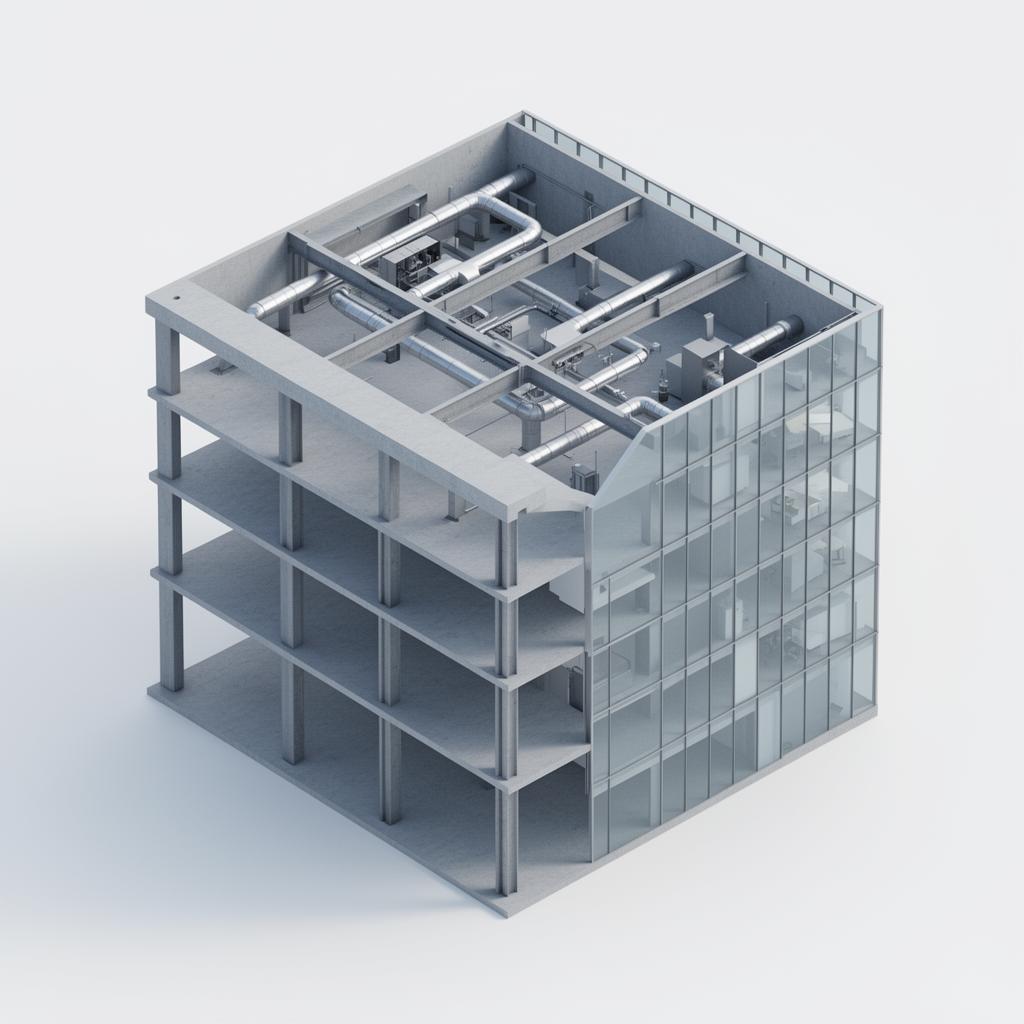
What is an IFC file?
IFC stands for Industry Foundation Classes, an open standard maintained by buildingSMART. An .ifc file describes a building model as objects: walls, slabs, columns, doors, ducts and so on. Every object has a type, a place in the building structure (project, site, building, storey) and property sets with information such as material, fire rating or dimensions. Because the format is open, every serious BIM application can export it, which makes IFC the common language between disciplines.
IFC2x3 and IFC4
Most models you receive today are IFC2x3 or IFC4. IFC2x3 has been around the longest and is still widely used. IFC4 adds better geometry options and more detailed property definitions. For viewing, inspecting and coordinating, both versions open the same way.
How to open an IFC file online
1. Create a project in IFCview.
2. Upload the .ifc file. It is processed in the browser and opens within seconds to a few minutes, depending on the size.
3. Navigate the model, click an element to read its properties, and use the model tree to show or hide storeys and types.
There is nothing to install, so colleagues and subcontractors can open the same model through a link.
Why not just a desktop viewer?
A free desktop viewer works fine on your own computer. On a project, though, the model has to be seen by people in the office and on site, on different devices, always on the latest revision. A browser viewer keeps everyone on the same file and lets you add issues, measurements and planning to the model itself.
Try it without your own file
Want to see what an opened IFC model looks like first? The live demo contains a real project you can rotate, filter and inspect without an account.